

How to program a Cnc Bridge Saw for complex cutting tasks?
Leave a message

Programming a CNC bridge saw for complex cutting tasks can be a challenging yet rewarding endeavor. As a supplier of CNC bridge saws, we understand the importance of providing our customers with the knowledge and tools to make the most of their equipment. In this blog post, we will share some insights and tips on how to program a CNC bridge saw effectively for complex cutting tasks.
Understanding the Basics of CNC Programming for Bridge Saws
Before diving into complex cutting tasks, it's essential to have a solid understanding of the basics of CNC programming for bridge saws. CNC (Computer Numerical Control) programming involves creating a set of instructions that the machine can follow to perform specific cutting operations. These instructions are typically written in a programming language that the CNC controller can understand.
One of the most common programming languages used for CNC bridge saws is G-code. G-code is a standardized language that uses a series of commands to control the movement of the machine, such as the speed, direction, and position of the cutting tool. Learning G-code is fundamental for programming a CNC bridge saw, as it allows you to communicate precisely with the machine.
Preparing the Design for Complex Cutting
The first step in programming a CNC bridge saw for complex cutting tasks is to prepare a detailed design of the cutting pattern. This design can be created using computer-aided design (CAD) software, which allows you to create precise 2D or 3D models of the desired cutting shape. When designing for complex cuts, it's important to consider factors such as the material properties, the thickness of the stone, and the capabilities of the CNC bridge saw.
Once you have created the design in CAD software, you need to convert it into a format that the CNC controller can read. This is typically done using computer-aided manufacturing (CAM) software. CAM software takes the CAD design and generates the G-code instructions based on the cutting parameters you specify, such as the cutting speed, feed rate, and tool path.
Setting Up the CNC Bridge Saw
Before running the program on the CNC bridge saw, it's crucial to set up the machine correctly. This includes installing the appropriate cutting tool, calibrating the machine's axes, and ensuring that the workpiece is securely clamped in place. The cutting tool selection is particularly important for complex cutting tasks, as different tools are designed for different types of materials and cutting operations.
When installing the cutting tool, make sure to follow the manufacturer's instructions carefully to ensure proper alignment and secure mounting. Calibrating the machine's axes is also essential to ensure accurate cutting. This involves setting the zero points for each axis and verifying the accuracy of the machine's movement.
Programming the Complex Cutting Operations
Once the design is prepared and the machine is set up, it's time to start programming the complex cutting operations. This involves using the G-code generated by the CAM software and making any necessary adjustments to optimize the cutting process.
For complex cutting tasks, you may need to use advanced G-code commands, such as arcs, circles, and splines, to create the desired cutting shape. These commands allow you to control the movement of the cutting tool in a more precise and flexible manner. Additionally, you can use macro commands to simplify the programming process and reduce the amount of code you need to write.
When programming complex cutting operations, it's important to consider the cutting order and the tool path. The cutting order determines the sequence in which the cuts are made, while the tool path defines the path that the cutting tool follows. By optimizing the cutting order and tool path, you can reduce the cutting time, minimize the wear on the cutting tool, and improve the overall quality of the cut.
Testing and Optimizing the Program
After programming the complex cutting operations, it's essential to test the program on a small sample of the material before cutting the actual workpiece. This allows you to identify any potential issues or errors in the program and make the necessary adjustments.
During the testing phase, pay close attention to the cutting speed, feed rate, and the quality of the cut. If the cutting speed is too high, the cutting tool may overheat and wear out quickly. On the other hand, if the cutting speed is too low, the cutting process may take longer than necessary. Similarly, the feed rate should be adjusted to ensure that the cutting tool removes the material at an optimal rate.
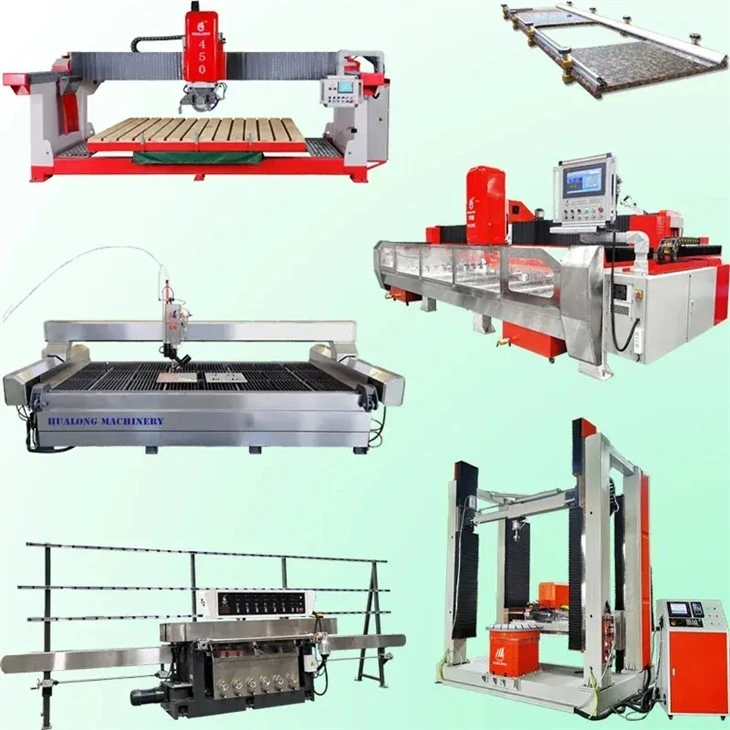
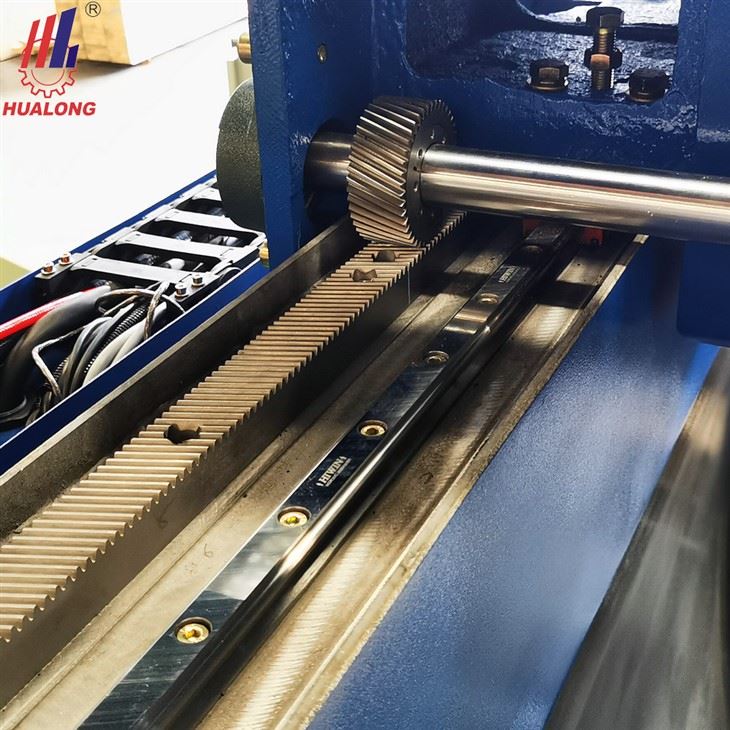
Based on the results of the testing, you can optimize the program by adjusting the cutting parameters, such as the cutting speed, feed rate, and tool path. This may involve making small changes to the G-code or using different cutting strategies. By continuously testing and optimizing the program, you can achieve the best possible results for your complex cutting tasks.
Troubleshooting Common Issues
Even with careful programming and setup, you may encounter some common issues when using a CNC bridge saw for complex cutting tasks. Here are some of the most common issues and how to troubleshoot them:
- Poor cutting quality: If the cutting quality is poor, it may be due to a dull cutting tool, incorrect cutting parameters, or a misaligned machine. Check the cutting tool for wear and replace it if necessary. Adjust the cutting parameters, such as the cutting speed and feed rate, to optimize the cutting process. Make sure that the machine is properly calibrated and aligned.
- Tool breakage: Tool breakage can occur if the cutting tool is overloaded or if the cutting parameters are incorrect. Check the cutting parameters to ensure that they are within the recommended range for the cutting tool and the material. Make sure that the cutting tool is properly installed and secured.
- Machine errors: If the machine displays an error message, refer to the machine's manual for troubleshooting instructions. Common machine errors may be caused by electrical problems, sensor malfunctions, or software issues.
Conclusion
Programming a CNC bridge saw for complex cutting tasks requires a combination of technical knowledge, practical experience, and attention to detail. By understanding the basics of CNC programming, preparing the design carefully, setting up the machine correctly, programming the complex cutting operations, testing and optimizing the program, and troubleshooting common issues, you can achieve high-quality cuts and maximize the performance of your CNC bridge saw.
If you are interested in purchasing a CNC bridge saw for your complex cutting needs, or if you have any questions about programming or operating our machines, we encourage you to [Contact Us for Purchase and Negotiation]. Our team of experts is always ready to provide you with the support and guidance you need to make the most of your investment.
References
- "CNC Programming Handbook" by John Zimmers
- "CAD/CAM for CNC Machining" by Peter Smid
- Manufacturer's manuals for CNC bridge saws


